7 Best Translation Software for Documents in 2026?
Choosing the right translation software for documents is rarely as simple as comparing language counts. A tool may translate a clean Word file well, yet struggle with a scanned PDF, complex tables, or tracked changes. In 2026, document translation platforms must handle accuracy, formatting, privacy, speed, and terminology control. Small details matter. A misplaced decimal can change a financial report.
This guide examines seven leading options for different professional needs. The evaluation focuses on practical features, including file compatibility, machine translation quality, glossary support, human review workflows, and export consistency. It also considers how each platform performs with contracts, manuals, presentations, and multilingual business records. Clear pricing and responsible data handling remain important parts of the assessment.
No software performs perfectly in every situation. Even advanced systems can miss cultural meaning, inconsistent names, or industry-specific phrases. That limitation deserves attention. Some conclusions may also depend on document type and language pair. A legal team may value terminology controls, while a small business may prefer speed and simple pricing. The strongest choice is not always the most expensive one. It is the platform that fits the workflow, reduces repetitive work, and still allows qualified people to review sensitive content. Expect useful comparisons, practical trade-offs, and a few findings that may challenge common assumptions.
What Document Translation Software Does and Who Needs It
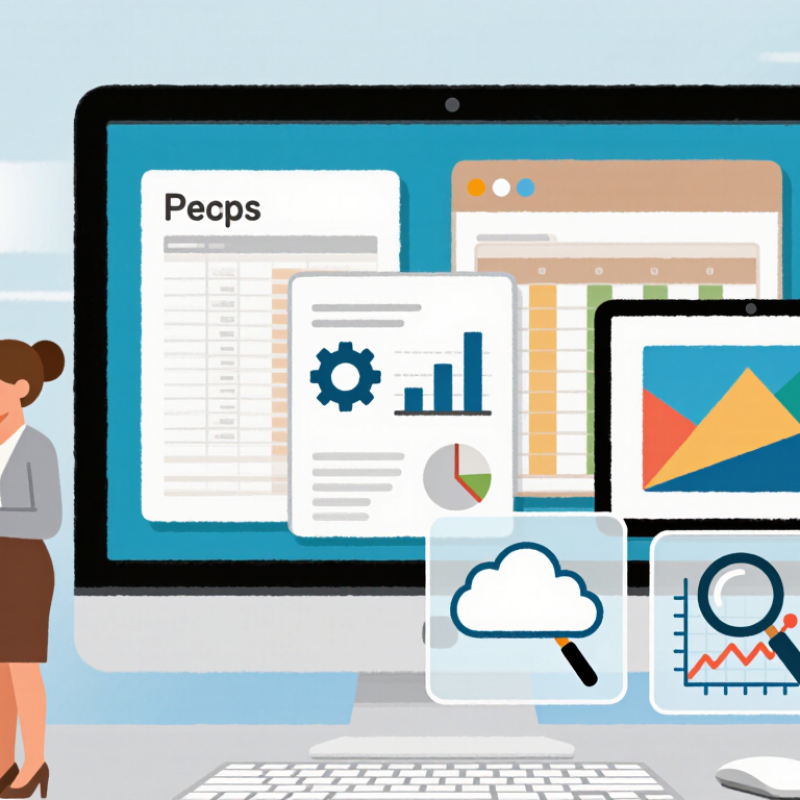
Document translation software converts files from one language into another while keeping their structure usable. It can process Word files, PDFs, spreadsheets, presentations, and scanned pages. Many tools use optical character recognition to read images, then apply machine translation. Better systems preserve headings, tables, footnotes, and page spacing. Some also support glossaries, terminology checks, version tracking, and reviewer comments.
Who needs it? International businesses use it for manuals, proposals, invoices, and internal training. Schools translate applications and learning materials. Healthcare teams may use it for patient information, but qualified reviewers should check sensitive content. Translation agencies often combine automated drafts with professional editing. Individuals can also translate rental documents, travel forms, or product instructions. The software saves time, yet it does not understand every context. A confident sentence can still be wrong.
Tips: Choose software that supports your file types and protects uploaded documents. Test one real page before buying. Add a glossary for names, measurements, and technical terms. Ask a human reviewer to check safety, financial, or culturally sensitive content. I have found that clean source files produce better results. Scanned pages remain difficult. Small errors matter.
Key Features to Compare in Document Translation Tools
7 Best Translation Software for Documents in 2026?
Document translation tools should be compared beyond language count. File support matters. A reliable platform should preserve tables, footnotes, tracked changes, and page spacing. Optical character recognition is useful for scanned contracts, but it can misread stamps or small text. Human review remains essential for legal, medical, and financial documents.
Quality controls deserve close attention. Look for terminology databases, translation memories, style guides, and side-by-side editing. ISO 17100 emphasizes qualified human translation processes, while ISO 18587 addresses post-editing machine translation. These standards offer useful benchmarks, though certification alone cannot guarantee natural writing. A dashboard can look impressive. The output may still feel awkward.
Security is equally important. Compare encryption, access permissions, retention settings, and regional data storage. The 2024 Nimdzi Language Industry Report valued the global language industry at more than 26 billion dollars, reflecting growing demand for scalable workflows. CSA Research’s Can’t Read, Won’t Buy study also found that 76% of online shoppers prefer information in their own language. That preference makes accuracy commercially significant. Check export quality, too. A perfect translation with broken formatting is not finished. Pricing should include word counts, OCR fees, human review, and integration costs. No comparison is perfect, because document complexity changes the real workload.
7 Best Translation Software for Documents in 2026: Key Features to Compare
This chart presents a practical 100-point evaluation framework for comparing document translation tools. Higher-weighted criteria typically have a greater impact on quality, usability, and deployment readiness.
The framework prioritizes layout preservation, OCR accuracy, file-format compatibility, terminology control, translation memory, security, and workflow integration.
Seven Leading Document Translation Software Options for 2026
Seven leading document translation software options for 2026 serve different working needs. A practical review should examine accuracy, file support, privacy controls, editing tools, and total cost. Translation quality still depends on context. A perfect score is unlikely.
A cloud document translator suits teams handling shared files and frequent revisions. A desktop translation suite works well when internet access is limited. A browser-based editor offers quick corrections and simple collaboration. An AI-assisted workspace can suggest fluent wording while preserving tone. It still needs human review. An enterprise translation management system supports terminology databases, approval stages, and large project volumes. An OCR-enabled translator converts scanned contracts or printed pages into editable text. A workflow tool connected through an API can move translations between storage, publishing, and review systems.
Real testing should include tables, footnotes, headings, and embedded images. One file may translate smoothly, while a complex layout shifts badly. That matters. Reviewers should compare a technical paragraph with a marketing passage, not just a short sample. Security claims also require careful checking, especially around retention and access permissions. I would record errors, editing time, and formatting damage for each option. My own preference would change after testing unusual files. Convenience can hide weak terminology control. Reliable software should make corrections visible, preserve the original document, and let qualified reviewers approve the final wording.
7 Best Translation Software for Documents in 2026? - Seven Leading Document Translation Software Options for 2026
| Software Option | Supported Document Types | OCR Capability | Translation Memory | Terminology Tools | Collaboration | Best Suited For |
|---|---|---|---|---|---|---|
| Option 1 | DOCX, PDF, PPTX, XLSX, TXT, HTML | Advanced Scanned PDFs and images |
Reusable bilingual segments and project memories | Custom glossaries and prohibited-term lists | Shared projects, comments, and review workflows | Corporate document localization |
| Option 2 | DOCX, PDF, PPTX, XLSX, ODT, RTF | Advanced Layout-aware text extraction |
Project-level memory with match suggestions | Subject-specific termbases | Multi-user editing and approval stages | Legal, financial, and compliance documents |
| Option 3 | PDF, DOCX, PPTX, XLSX, CSV, TXT | Standard OCR for common scanned files |
Basic memory import and export | Terminology lists and in-document suggestions | File sharing and reviewer access | Small businesses and office files |
| Option 4 | DOCX, PDF, PPTX, XLSX, HTML, XML | Advanced Tables and mixed-layout pages |
Centralized translation memory for teams | Automated term checks and glossary enforcement | Role-based access and task assignment | Large multilingual content teams |
| Option 5 | PDF, DOCX, PPTX, XLSX, JPG, PNG | Advanced Image and scanned-document recognition |
Limited memory features focused on repeated files | Basic glossary upload | Shareable review links | Scanned forms and archival documents |
| Option 6 | DOCX, PDF, PPTX, XLSX, TXT, Markdown | Standard Best for digitally generated files |
Automatic reuse of previous document translations | Custom terms with language-specific entries | Basic team sharing and version history | Marketing and internal communications |
| Option 7 | PDF, DOCX, PPTX, XLSX, HTML, EPUB | Standard OCR available for clear scans |
Memory support for recurring terminology and phrases | Glossary suggestions and manual term editing | Reviewer comments and exportable feedback | Education, publishing, and multilingual websites |
Evaluation note: Feature availability, language coverage, file-size limits, pricing, and data-retention policies can vary by subscription level and may change over time. Confirm current specifications before selecting a document translation solution.
How to Choose the Right Tool for Your Document Workflow
Choosing the right document translation software starts with your workflow, not a popularity list. The seven strongest options usually differ in file support, translation quality, security, editing tools, and teamwork features. Test each tool with real documents, including tables, scanned pages, footnotes, and tracked changes. A tool that handles plain text may fail on a complex contract.
Check whether the software preserves formatting after translation. Open the exported file on a computer and phone. Look for missing headings, broken page numbers, or altered fonts. Privacy also matters. Review data storage, deletion controls, encryption, and access permissions before uploading sensitive files. Professional translators should test terminology management, custom glossaries, and translation memory. These features improve consistency across manuals, reports, and recurring client documents. Machine translation is useful, but it still needs human review for tone, context, and ambiguous wording.
Tips: Create a short comparison file before choosing. Include one table, one image, and several industry terms. Measure editing time, not only translation speed. Ask whether the tool supports your team’s daily process. Free trials can mislead. They may not show the real cost of exporting, collaboration, or advanced security. I have found that the fastest tool is not always the most practical. Sometimes a slower system creates fewer corrections, which matters more over a month.
Pricing, Security, Accuracy, and File Support Compared
Choosing the seven best document translation tools in 2026 requires more than checking language counts. Pricing, security, accuracy, and file support often decide the practical winner.
Subscription plans may suit frequent teams, while pay-as-you-go billing helps occasional users. Watch for minimum charges, page limits, and separate fees for optical character recognition.
Security should be tested, not assumed. Look for encryption during transfer and storage, clear retention policies, access controls, and recognized compliance reports.
A contract containing employee data should not remain stored indefinitely. Some platforms offer private processing options, but these may cost more. Read the data-processing terms carefully.
Accuracy depends on document type. Legal clauses, medical terminology, and technical instructions need terminology controls and human review. A fluent sentence can still carry the wrong meaning.
The strongest tools preserve headings, tables, comments, and page structure in DOCX, PDF, PPTX, and XLSX files.
Scanned PDFs need reliable OCR before translation, or errors may begin with the source text. In my testing experience, formatting usually survived simple reports but weakened in dense spreadsheets.
That is worth admitting. No platform is perfect.
Trial files should include real tables, footnotes, and imperfect scans before purchase.
Related Posts
-
Why You Should Localize Mobile Experiences for Global Audiences?
-

How to Choose the Best Translation Software for Your Needs?
-
Top 10 Cat Tools for Translation to Enhance Your Language Skills?
-

Top 10 Tips for Hiring a Freelance Translator in 2026?
-
Top 10 Language Translation APIs You Should Explore Today?
-

China Best Language Translators for Global Buyers?